Since early 2026, a new type of scam has been spreading across second-hand marketplaces: fully AI-generated photos used either to sell an item that does not actually exist in the condition advertised, or to obtain an improper refund by falsely depicting a product as damaged. The problem? To the naked eye, these images can often be almost impossible to distinguish from genuine photos.
👉 Check a photo now — free, no registration required, and everything happens directly in your browser.
The Real Problem on Vinted and Other Marketplaces
Two scenarios come up regularly:
- On the seller’s side: an AI-generated product photo can make a low-quality new item look like a sought-after vintage piece, or make an item’s actual condition appear much better than it really is.
- On the buyer’s side: a generated image showing a supposed “defect” or “damage” can be used to justify a refund request for an item that was actually delivered exactly as described.
Platforms themselves are struggling to keep up: their moderation systems rely on conventional photo checks, but generated images are becoming more convincing every month, making manual detection increasingly unreliable.
Why It’s Difficult to Spot AI-Generated Images Yourself
Image generators such as Midjourney, DALL-E, and Stable Diffusion can now produce almost photorealistic results. Traditional visual clues, such as poorly rendered hands or strange-looking textures, are becoming less reliable as the models improve.
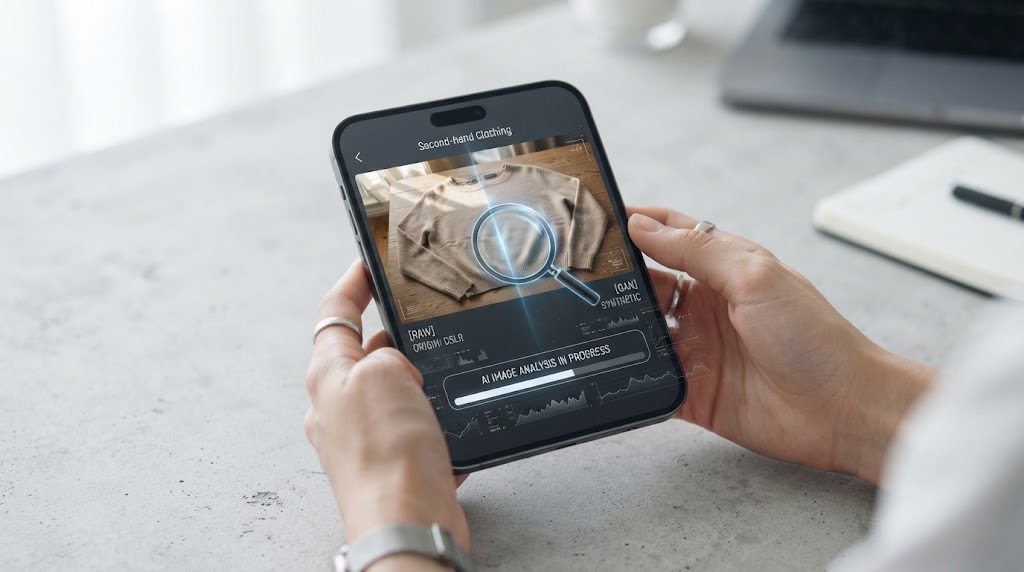
What the Tool Checks for You
| Indicator | What It Can Reveal |
|---|---|
| EXIF metadata | Whether camera information normally associated with a genuine photograph is present or missing |
| Generator signatures | Textual traces that some AI tools may leave in the file |
| Characteristic dimensions | “Round” resolutions commonly produced by image generators (1024×1024, etc.), which are less common with real cameras |
| Sensor noise | An unusual absence of the natural grain produced by a camera sensor, even in flat areas of an image |
| ELA analysis | Image recompression analysis used to identify compression inconsistencies that may indicate editing or a digital origin |
How to Use It Before Buying or Selling
- Save the listing photo (or the photo from your message exchange) to your device.
- Upload it to the tool — the analysis only takes a few seconds.
- Review the result and the individual signals before drawing any conclusions.
What the Tool Cannot Guarantee
To be transparent: this tool relies on statistical indicators calculated locally rather than on a large-scale trained AI detection model. A high-quality AI-generated image may trigger no warning signals; conversely, a genuine photo that has been heavily compressed or processed through a messaging app may appear suspicious. Use it as a quick first filter, not as legal evidence — in the event of a serious dispute, always prioritize direct verification with the platform or the other party.
Frequently Asked Questions
Does the tool upload my photos anywhere?
No. All analysis takes place directly in your browser. No image is transmitted, stored, or shared.
What should I do if I suspect an actual scam?
Report the listing or conversation directly to the platform (Vinted, Leboncoin, etc.), and keep screenshots of the conversation before submitting your report.
Why is my own photo sometimes flagged as suspicious?
This is often because its metadata was removed when the image was sent through a messaging app or social network — this is not, by itself, proof of manipulation. Always cross-check multiple indicators before drawing a conclusion.
Disclaimer: this tool provides indicative signals, not a forensic examination. See the tool page for details about the methodology and its limitations.